

Seedream 5.5 Posters at 3K
Write the headline, the offer and the feeling. Draft at 1K, then render the one you like at 3K for the print shop.
Render up to 3K, cut subjects out onto transparent PNG, edit with 10 references, or pull one image apart into layers.
Nudity, sexual content and edits that undress real people aren't supported and will be blocked. Terms of Service
Every picture here came out of Seedream 5.5 on Seedream55. Open one to copy its prompt and settings into the generator. A new run gives you a sibling of the image, not a duplicate.
Use cases
Assets for a shop, a campaign or a comic, each started from a short written brief.
Write the headline, the offer and the feeling. Draft at 1K, then render the one you like at 3K for the print shop.
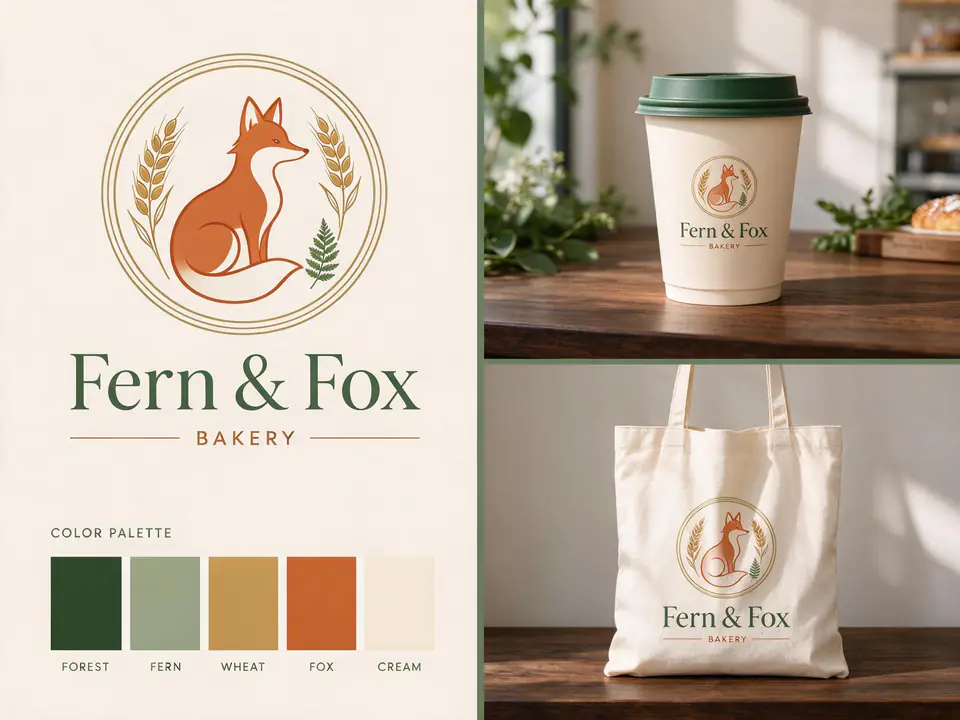
A name, a mood and a few colours give you a mark and mockups on one sheet. Once a direction lands, split it into layers.

One big subject and a few huge words that survive on a phone screen. Use a 16:9 or 9:16 ratio and iterate cheaply at 1K.
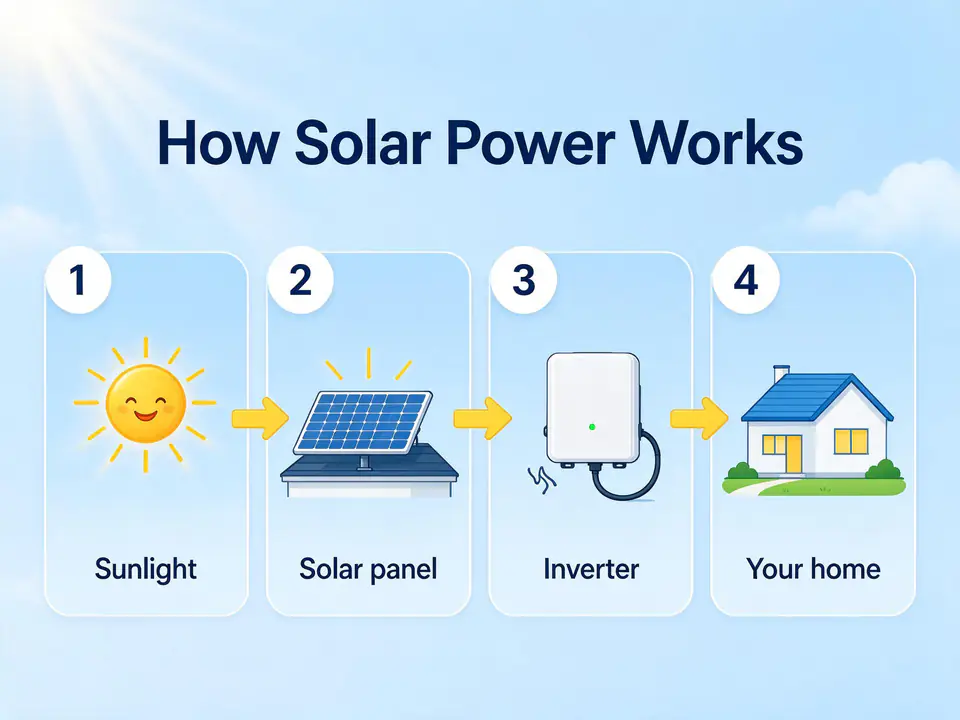
Spell out each stage and its label to get tidy panels with simple icons. Verify every fact before it goes out.
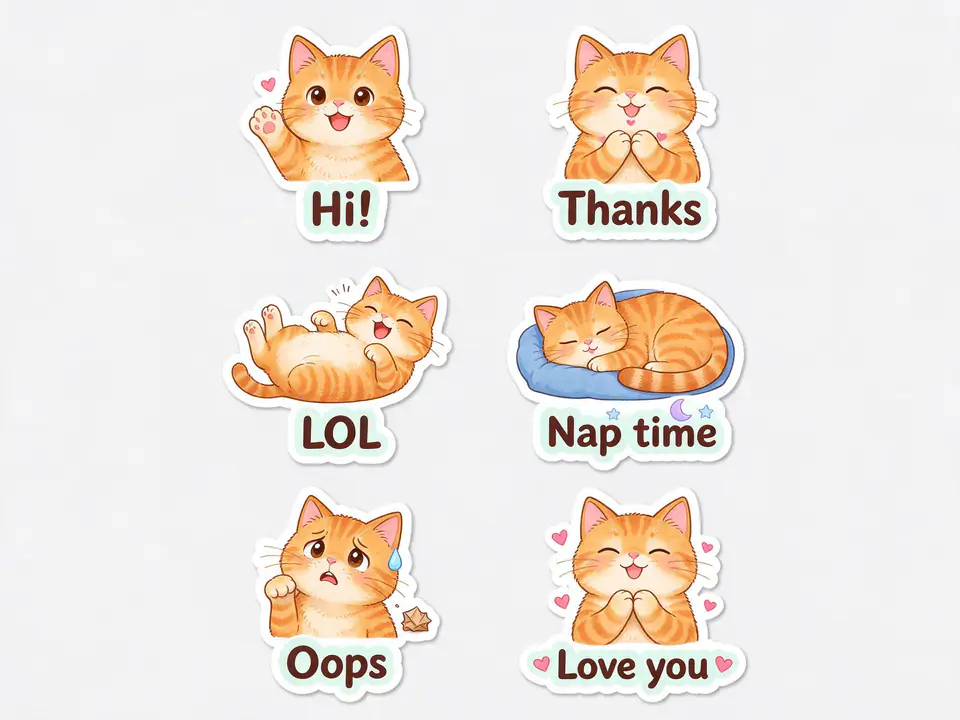
One character in several moods, or a single figure on a transparent background that drops straight into a chat app or a layout.
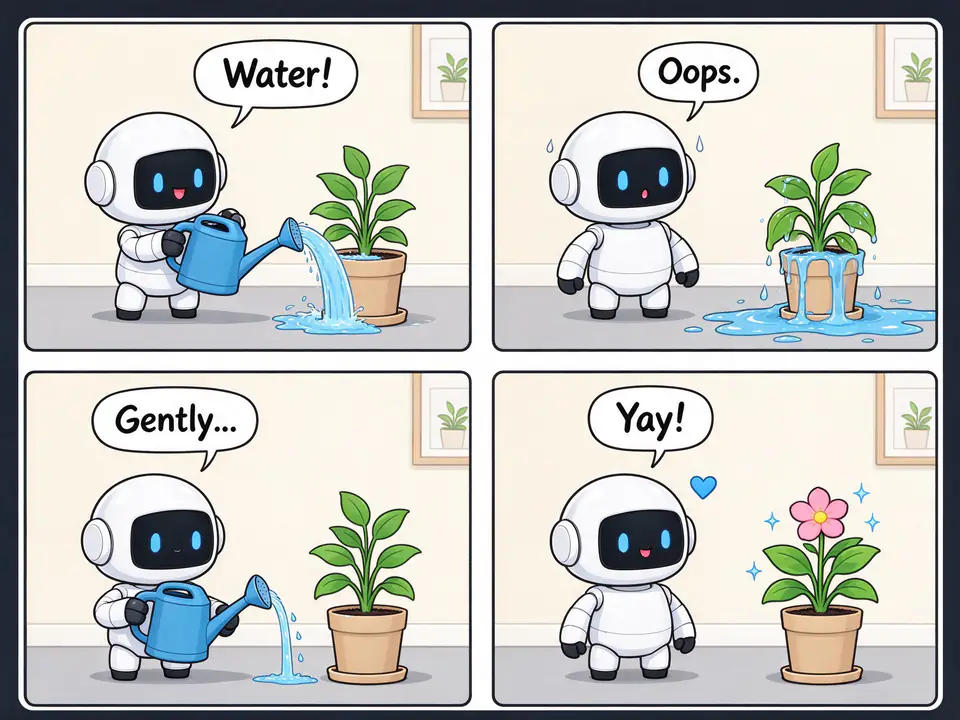
Lay out the beats panel by panel with one cast. Attach earlier panels as references to keep faces and costumes consistent.
Photo editing
Left is the file we attached. Right is what Seedream 5.5 made from the prompt underneath.
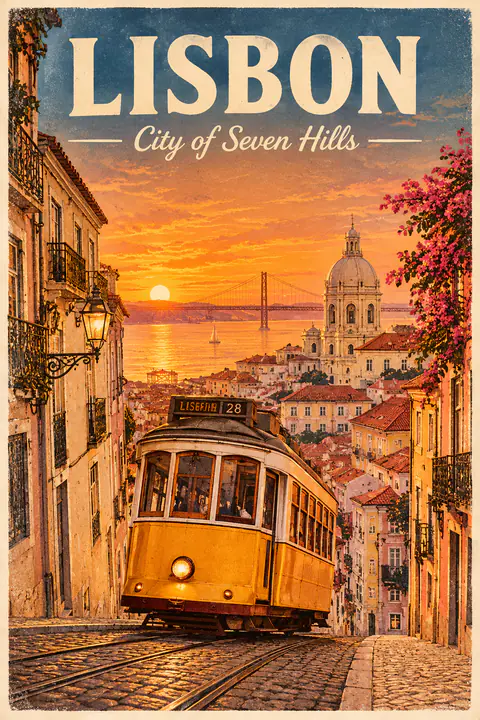
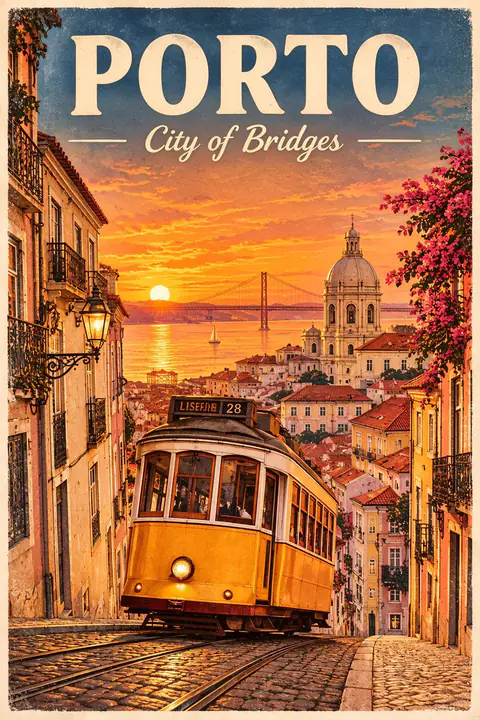
Only the words change. The tram, the colours and the style of the lettering are left in place.
Change the title to "PORTO" and the subtitle to "City of Bridges". Keep everything else the same.
How it works
Type what you want in your own language and put any exact wording in quotes. For an edit, add up to 10 images and say what must stay the same.
Choose 1K to 3K, one of 15 ratios, and JPEG, PNG or Transparent. The credit cost updates on the button as you change them.
Send a result back for another round of changes, or set the output to Layers and download the pieces. Everything stays in your library.
Why Seedream55
Seedream 5.5 adds native transparency, a 3K tier and a layer endpoint that bills by the count you choose. Each one is a plain setting beside the prompt box.
1K and 1.5K cost the same, so draft there. 2K suits finished web work, and 3K reaches about 8 megapixels (3840 × 2160 at 16:9) for posters and banners. Seedream 5 Flash, Lite and Pro are still in the menu.
Switch the output to Transparent and the PNG arrives with a real alpha channel, ready for a sticker, an icon or a product listing. Describe the subject on its own for the cleanest edge.
Give Seedream 5.5 a product, a model and a location, and say what to keep. It also holds a picture steady across several rounds of changes. Every attached image adds a small, listed cost.
Seedream 5.5 separates one picture into a base plus transparent PNG layers. Pick 5, 10, 20 or 30 images: the job is billed on that number, so a simple picture does not need 30.
Spend your free credits first. Take a plan when image work becomes a weekly habit.
Lite
For drafts, social posts and the odd client job.
~$0.010 / credit
From ~$0.041 per image
Includes
Pro
For shops and marketers who publish every week.
~$0.008 / credit
From ~$0.033 per image
All of Lite, and also
Ultra
For studios making 3K finals and layer splits daily.
~$0.007 / credit
From ~$0.028 per image
All of Pro, and also
Prices include any applicable tax.
FAQ
Four things: create an image from a prompt at up to 3K, return a subject on a transparent background, edit with as many as 10 attached images, and break a finished picture into layers. Your results are saved in your library.
Seedream 5.5 is an image generation and editing model from ByteDance. Compared with Seedream 5.0 it adds native transparent output and a 3K resolution tier. Seedream55 offers its text-to-image, edit and layer decomposition endpoints.
Seedream 5.5 is the one to start with: it is the cheapest at 1K here, goes up to 3K and is the only one with a transparent output. Lite is still the choice for true 4K and matching image sets, and Pro offers a prompt rewrite.
You pay the per-image price times the number you select: 5, 10, 20 or 30, counting the base image. The charge stands even if the picture yields fewer layers, so pick a number close to what the image really contains.
New accounts receive enough free credits for one 1K image at the default settings. To continue, choose a plan or a one-off credit pack. The cost of each run appears on the button first.
Short headlines, labels and prices are the best case. Put the exact wording in quotes and say where it belongs. Long passages and very small type can still come out wrong, so check everything before you print it.
Attach the photo, describe the change and name what should stay as it is. Add more images, up to 10, to bring in a person, a product or a look. If you leave the ratio on Auto, the output follows your image.
Name the use first, such as a poster or a listing photo, then the subject, composition, light and style. Quote exact text. On an edit, say what changes and also what must not change. Pick the ratio from the menu rather than describing it.
1K, 1.5K, 2K and 3K, in 15 aspect ratios from 1:3 to 3:1 and 9:21 to 21:9. 3K is about 8 megapixels, for example 3840 × 2160 at 16:9. Layer splits stop at 2K.
Images made on a paid Seedream55 plan may be used commercially under our Terms of Service. What you depict is your responsibility, so stay away from real people's likenesses and other companies' trademarks.
No. Seedream55 is independent and has no affiliation with, endorsement from or sponsorship by ByteDance. We access Seedream 5.5 through a third-party inference platform.
Sign up, spend your free credits on a real brief and see what comes back.